
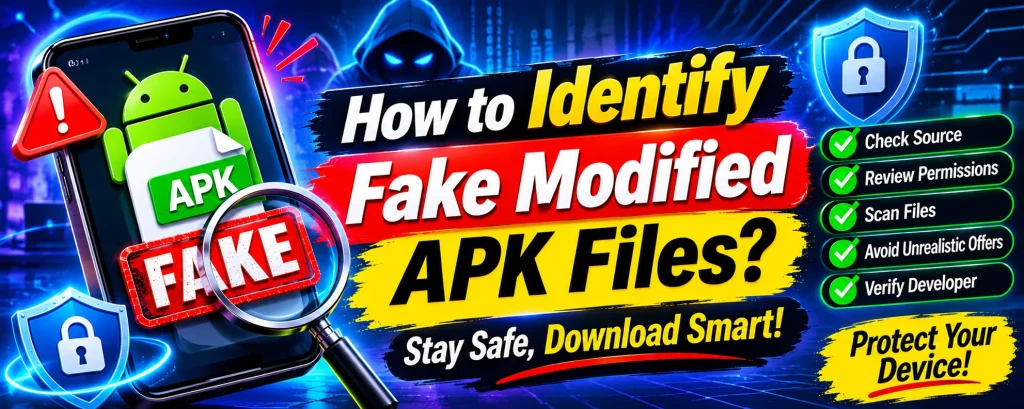
How to Identify Fake Modified APK Files?
Modified APK files are popular among Android users because they often promise extra features, unlocked games, free rewards, or premium access. However, not every APK available online is trustworthy. Some modified applications are designed to steal personal information, display harmful advertisements, or damage your device. For users visiting casino gaming websites, checking an APK before downloading it is especially important. In this guide, we explain how to identify fake modified APK files and avoid common security risks.
1. Check the Download Source
Always check where an APK file comes from before downloading it. Unknown websites, random social media links, and suspicious advertisements can distribute harmful applications. Choose a verified developer or trusted download source whenever possible. Avoid websites that force you to click multiple advertisements before providing a download link.
2. Review App Permissions
A modified APK should not request unnecessary permissions. For example, a simple gaming application generally does not need unrestricted access to your contacts, messages, or microphone. Review every permission carefully and avoid installing applications that request access unrelated to their features.
3. Look for Unusual File Names
Fake APK files sometimes use confusing names, extra numbers, or misleading versions to appear official. Compare the application name and version with information provided by the original developer. Unexpected spelling mistakes and duplicate application names can also be warning signs.
4. Scan APK Files Before Installation
Use a reputable mobile security application to scan downloaded files before installing them. Security scanning can help identify known malware, suspicious code, and potentially harmful components. However, no scan can guarantee that an application is completely safe.
5. Avoid Unrealistic Offers
Be careful with modified APKs advertising unlimited coins, guaranteed winnings, free deposits, or permanently unlocked premium features. Such promises can be used to attract downloads and trick users into installing unsafe software. Genuine gaming platforms should provide clear information instead of making unrealistic claims.
6. Check Developer Information
Before installing an application, review its developer name, official website, and available support information. If the publisher cannot be identified or the APK has no reliable connection to the advertised platform, avoid installing it.
Final Thoughts
Identifying fake modified APK files is important for protecting your Android device and personal information. Always verify download sources, check permissions, scan installation files, and avoid unrealistic offers. A few careful checks before installation can help you enjoy mobile gaming while reducing unnecessary security risks.